
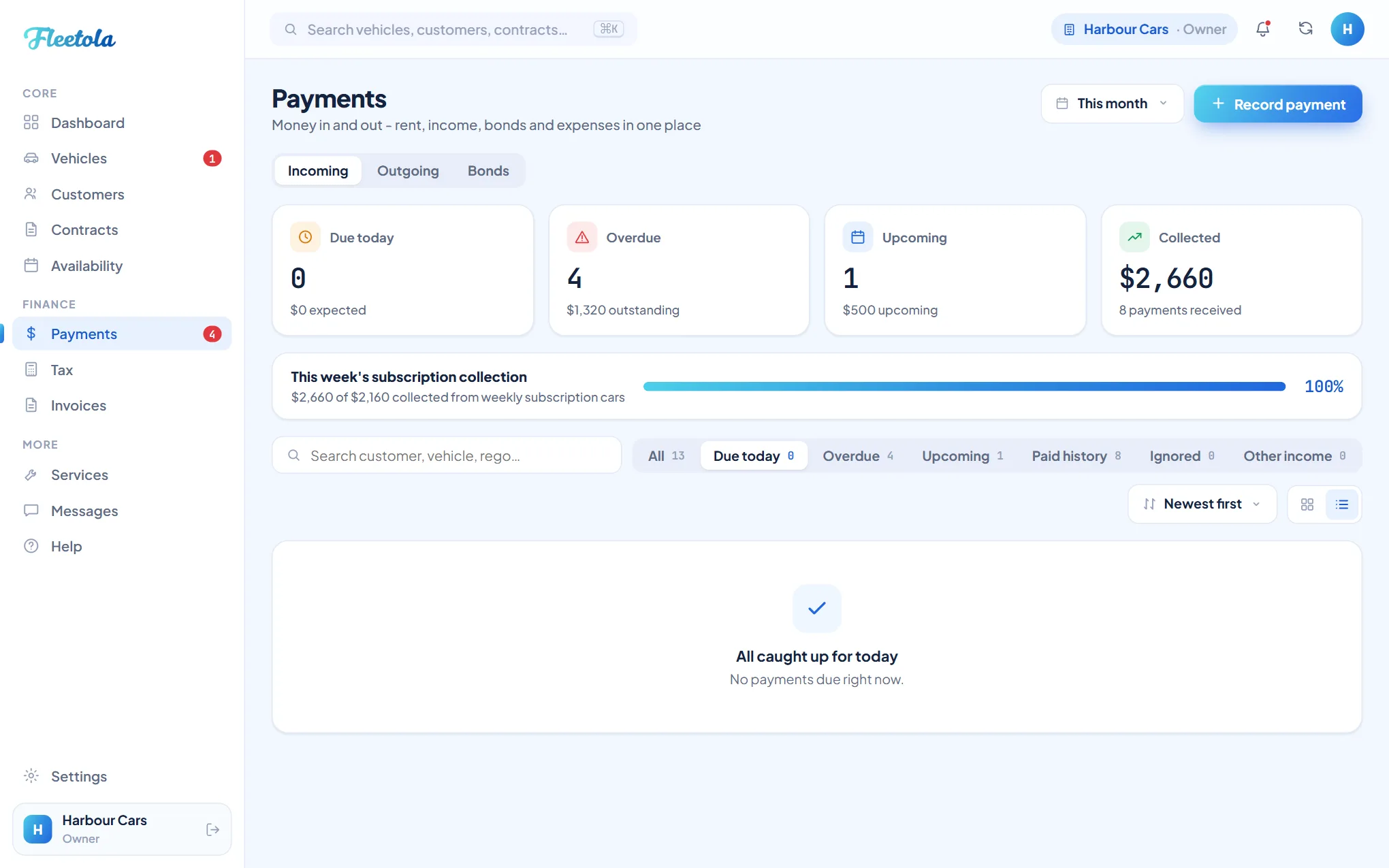
Payments is one hub with three views: Incoming for rent and other money in, Outgoing for what the fleet costs you, and Bonds for every bond you hold. You record what each renter pays - card, bank transfer or cash - and Fleetola tracks what is due and flags anything overdue.
Record a payment
- Open Payments.
- Find the payment that is due and mark it paid, or click Record payment for anything else.
- For rent, pick the contract. Leave the amount blank to record exactly what is due, or type an amount to override it.
- For anything else, switch to Other income and pick a category.
- A saved payment shows in the renter's history and on their portal.
Tip: A bond is not recorded here - it is set on the contract when you write it. The Bonds view is where you see every bond you hold, what has been deducted from it and what is still refundable.
A rent payment past its due date accrues the late fee you set - and saved - under Settings → Money → Late fees & payment links. One-off charges and bonds never take a late fee. Fleetola adds what has accrued at the moment you mark it paid, and offers you the rent on its own or a figure you agree with the customer instead. Recording a payment never charges anybody - the one thing that does charge is autopay, which a contract has to be put on: see Autopay and direct debit.
With the Online Payments module, renters can also pay you by card from their portal - see Card payments online. Recording payments here keeps your books accurate either way.
Change what a cycle collects
On an unpaid row, the amount is a button: click it, type the new figure and click away. That changes what this one cycle collects - a discounted week, an agreed part-payment - and leaves the rest of the schedule alone. A row on autopay is not editable, because the renter's saved card or bank account charges what the schedule says.
Send a reminder
- Find the payment in Payments and choose Send reminder from its row menu. On rent whose autopay charge has failed, the same action reads Send payment link.
- Check the summary and click Send email reminder.
An overdue payment sends your Payment overdue email, stating how many days overdue it is and any late fee that has accrued. A payment not yet overdue sends your Payment reminder email. Both are editable word for word - see The emails your renters get.
One reminder per payment per 24 hours - and a reminder you send by hand stamps the same record the automatic emails check, so it stands in for the automatic one of its kind: the day-before reminder skips a payment you have already reminded, and the overdue chase waits its usual week from your send.
Recorded something wrong? Undo, Refund and Ignore each have their own rules - see Fix a payment mistake.