
A wrong click on money is fixable. Every correction lives in the Payments hub, and each has its own verb: Undo, Refund, Ignore, Restore and Delete permanently. Which ones you are offered depends on how the money arrived, because no correction is allowed to make your records disagree with what was actually paid.
Marked paid by accident
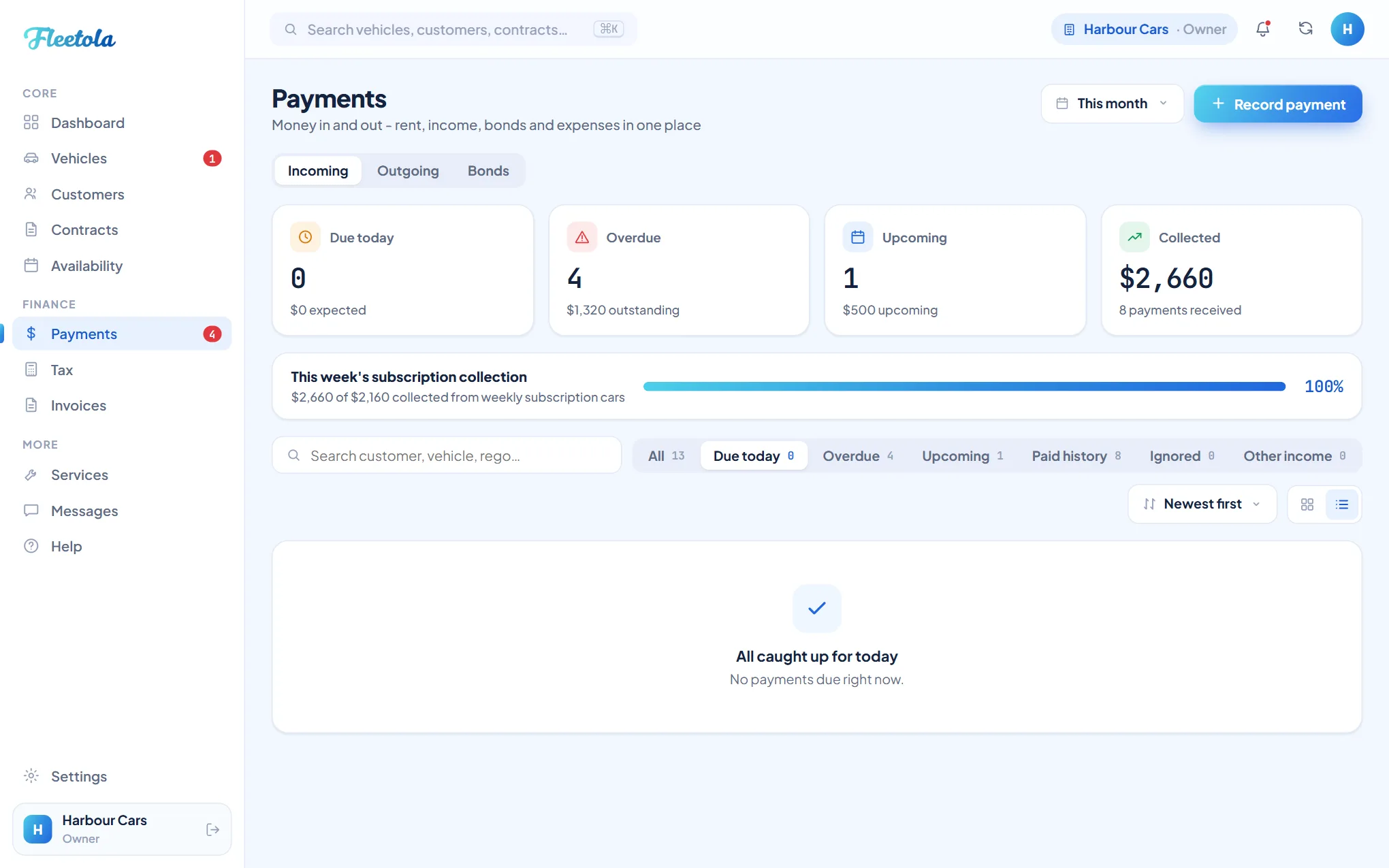
- Open Payments and switch to Paid history.
- Open the payment's menu and choose Undo payment.
- The record goes back to unpaid, in whichever list its due date puts it, and any late fee it recorded is cleared.
- Marking a rolling payment paid creates the next cycle, so Undo removes that upcoming record again - unless you have already edited it, in which case it stays.
A payment collected online cannot be undone. The charge really happened, and blanking your record while the money still moved would leave the two telling different stories - so those rows offer Refund payment instead. A refund sends real money back to the renter, capped at what is still refundable, and the record keeps the charge, the refund and the Stripe reference side by side. See Card payments online.
What Ignore does
Ignore is for a payment that will never be collected - a waived final week, a duplicate, rent settled outside Fleetola. It always asks for a reason. Nothing is deleted: the record moves to the Ignored tab, leaves your due and overdue lists, stops counting as owed and sends no more reminders. The money is written off, but the row and your reason stay on record.
Fleetola refuses to ignore a contract's last pending payment, because an active rental must always keep at least one upcoming payment - it is what the schedule grows from. If you are clearing the final week because the rental is over, end the contract instead; a leftover unpaid week on an ended contract ignores like any other.
Restore, or delete for good
In the Ignored tab, Restore payment puts a record straight back into the schedule, as if it was never skipped. Delete permanently erases a record for good, and it is offered only there - a live or paid payment has no delete at all. The two-step is deliberate: nothing goes from your working lists to gone in one click.
Where to find it: Payments → Ignored
Tip: Settled online money can never be hidden. A record carrying a card or bank payment refuses Ignore and Delete outright - Refund is its only exit, so the movements stay visible.
A bank debit still clearing is guarded the same way: Fleetola refuses to send a reminder for that payment, because chasing a renter whose money is already on its way invites them to pay twice.
The paid amount looks too big
A row in Paid history shows what was actually taken, and for a week paid late that is the rent plus the late fee you chose to charge when marking it paid. Open the payment and the split is broken out as its own lines - Rent and Late fee charged - so the total never hides its parts.