
Every rental ends, and the end flow decides money: the return date settles what the renter owed, the closing odometer drives any excess-kilometre charge, and the bond is refunded, deducted from or held. It also records how the car came back - the readings and photos a later damage claim rests on.
End a rental
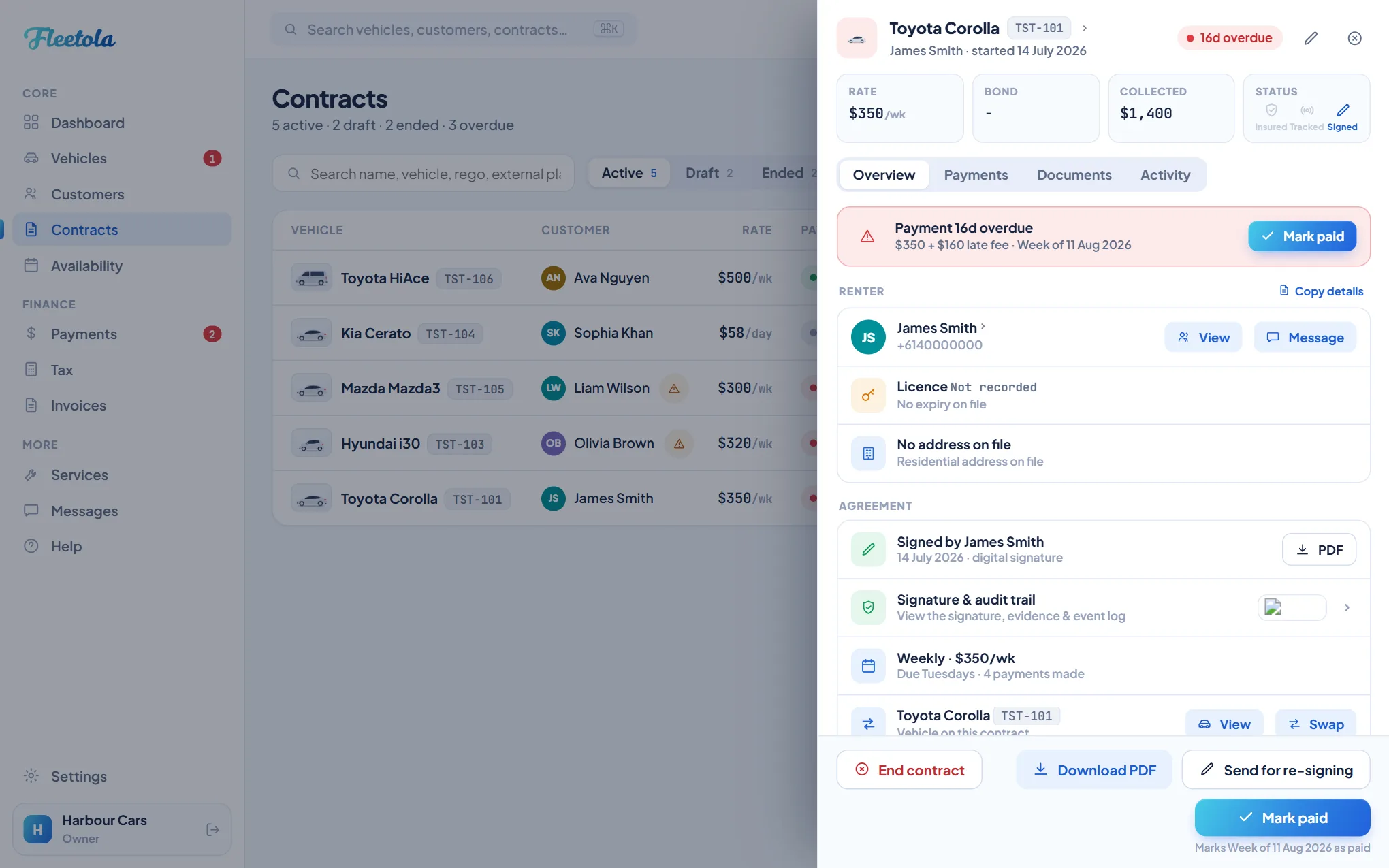
- Open the contract and click End contract.
- Say when the vehicle came back. It opens on today - change it if the car has been back for days. What the date does to the money is spelled out before you commit it.
- Work through the return checklist - keys and remotes, cleaning, personal items, tolls and fines. What you tick is stored on the contract.
- Enter the final odometer, and the fuel level if you read it. The handover reading is shown for comparison.
- Take the return photos - front, rear, both sides, interior and the odometer. On the damage diagram the handover marks show as faint ghosts, so you only mark what is new.
- Pick the reason for ending and finish. The vehicle goes back to Available, and if anything is owed the Settle panel opens on the result.
The reason is what the record keeps: Completed as planned closes the contract as completed, while an accident or an early return records it as terminated early.
Tip: A failed return photo does not stop you finishing, but retry it on its red tile while the car is still in front of you - once the contract is ended there is no way back to the car.
The return date decides the money
The return date decides what was really owed, and the contract's Payment dial decides how the return day counts. On a contract paid before each cycle, rent is charged at the start of each period and the renter is charged up to, but not including, the day the car came back. On a contract invoiced after each cycle, or paid at return, the return day is charged too and the bill is issued that day. Either way every unpaid period is re-settled against the return date: a period that had not started is written off, one straddling it is cut to the days the renter actually had, and the rest stays owed. Money already paid is never refunded automatically.
Backdating is the normal case, not a trick. A car returned on Friday and closed off on Sunday should be ended on the Friday - left on today, the renter is charged for two days they did not have the car.
The closing odometer
The wizard refuses a reading below the handover one - a car cannot come back with fewer kilometres than it left with - and shows the handover reading beside the box so a transposed digit stands out. On a contract with a kilometre allowance and an excess rate, the closing reading is what the excess-kilometre charge is worked out from.
Settling the return
Charges worked out when the car came back - kilometres over the allowance, fuel, a late return, damage, cleaning - are one Settle panel, and it opens straight after the end when there is something on it. Every number is the server's. Each line can be adjusted, and where a bond is held each line can be split: from the bond or billed. A damage line above the agreement's excess needs the serious-breach reason, and it is printed.
Then the bond question, once, with the charges in view: Refund in full, Deduct & refund rest, or Hold for now. Submit, offered while a balance is owed, marks it paid at the counter; Save these charges records the lines and what comes from the bond and leaves the balance owed, chased like any other payment and payable from the renter's portal (with a balance, the renter is sent the return statement). Not now closes the panel and writes nothing: the bond stays held, the balance stays owed and the car is available. Once anything is recorded, the panel says what instead; the contract shows Returned - awaiting settlement while a balance is owed or a received bond is still held, and Settle reopens the panel. A settle that stayed inside Fleetola - no statement sent, no card moved - can be taken back with Undo for five seconds. A bond that was never received is not held, so nothing can be kept from or refunded out of it; the charges are billed instead. A bond charged to a card settles back to the card - see Bonds on the card rails.
Deleting an ended contract
Delete at the bottom of an ended contract asks for a second click, then removes it permanently. An open contract is refused - end it first.
Kilometres during the hire
On a running contract with a kilometre allowance, Record kilometres on the contract bills the excess so far - the allowance to date against the reading you type off the dash - and the return settles the rest. On a tracked car the box is prefilled with the tracker's figure, labelled as such: confirm it against the dash before recording, because GPS runs 2-3% high.
The kept card
When the renter kept a card at signing, the panel offers Charge the kept card for the balance, up to the ceiling they agreed to and only after the return statement has been sent - tick The renter is here to charge at the counter before it reaches them. Nothing is marked paid until the bank confirms; a decline leaves the balance owed and chased as usual; if the bank wants the renter to confirm, hand them the portal link the panel shows. Renter pays now shows the same link for a card they have with them.